Synchro 4D/5D BIM for Construction Planning and Cost Control

Course Information

Overview

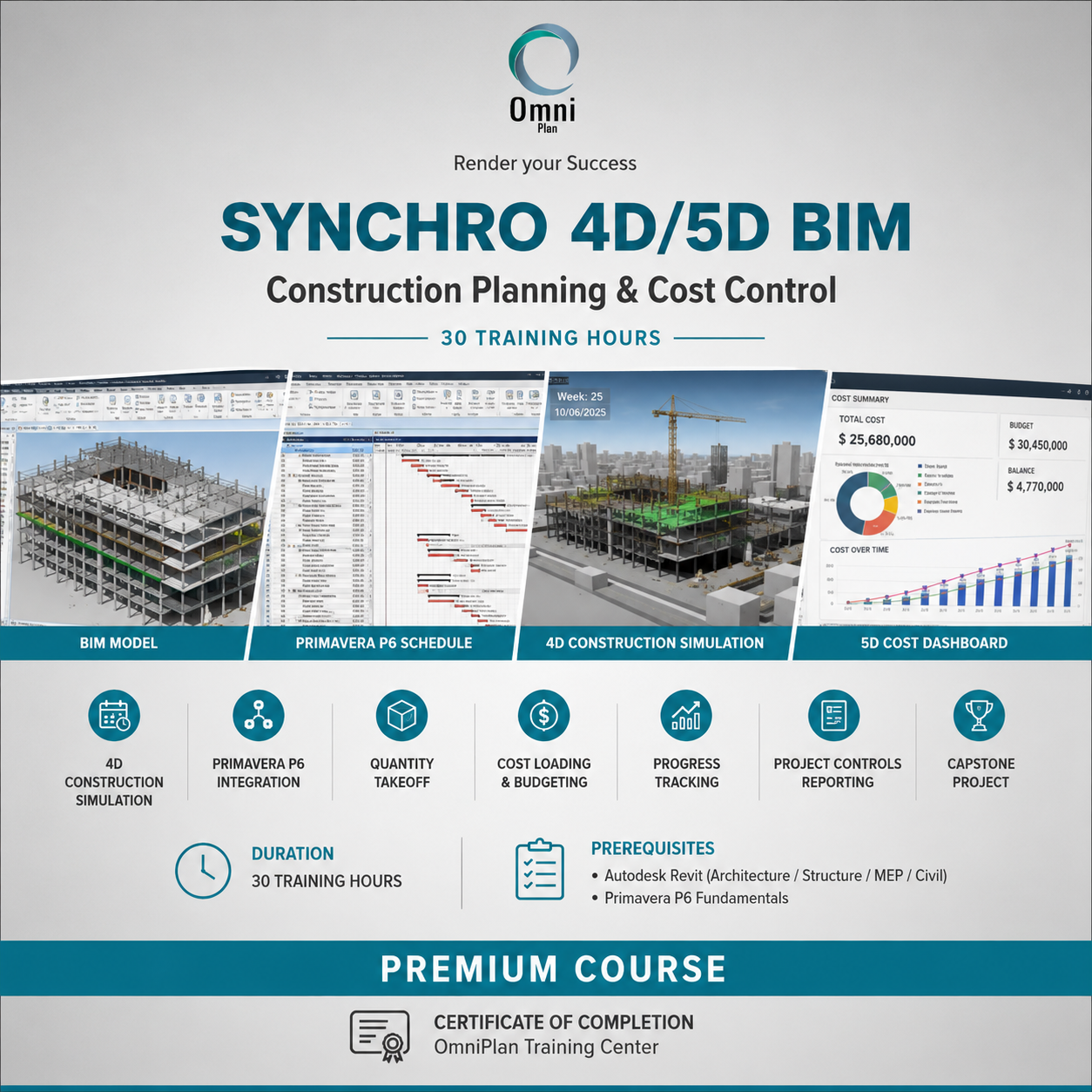
This course provides participants with the knowledge and practical skills required to implement 4D and 5D BIM workflows using Synchro. Participants will learn how to integrate BIM models with project schedules, create construction simulations, perform quantity takeoffs, and develop cost-loaded project controls workflows.

The course focuses on real-world applications used by project managers, planners, BIM coordinators, cost engineers, and construction professionals to improve planning accuracy, monitor project progress, and support decision-making throughout the project lifecycle.

Objectives

By the end of this course, participants will be able to:

  • Understand the principles and benefits of 4D and 5D BIM.
  • Navigate and configure the Synchro environment.
  • Prepare BIM models for construction planning and simulation.
  • Import and manage project schedules.
  • Link BIM elements with construction activities.
  • Create and analyze 4D construction simulations.
  • Extract quantities directly from BIM models.
  • Develop cost-loaded schedules and budgets.
  • Monitor project progress and evaluate project performance.
  • Generate professional reports and visual presentations for stakeholders.

Audience

  • BIM Managers
  • BIM Coordinators
  • Project Managers
  • Planning Engineers
  • Cost Engineers
  • Construction Managers
  • Project Control Engineers
  • Quantity Surveyors
  • Site Engineers
  • Participants should have:

    1. Good knowledge of Autodesk Revit (Architecture, Structure, MEP, or Civil disciplines).
    2. Basic knowledge of Primavera P6 or equivalent scheduling software.

Outline

  • introduction to 4D/5D BIM
    • Fundamentals of Building Information Modeling.
    • Understanding 4D BIM (Time-Based Planning).
    • Understanding 5D BIM (Cost and Quantity Management).
    • Benefits of BIM-driven project controls.
    • Industry applications and case studies.
  • Synchro Interface and Project Setup
    • Introduction to Synchro software.
    • User interface and navigation.
    • Project settings and configuration.
    • File management and workspace preparation.
    • Importing BIM models into Synchro.
  • BIM Model Preparation
    • Reviewing model structure and hierarchy.
    • Organizing BIM elements for planning.
    • Model cleaning and optimization
    • . Classification systems and coding structures.
    • Work package preparation.
  • Schedule Integration
    • Importing schedules from Primavera P6 and other planning tools.
    • Understanding activities, relationships, and constraints.
    • Construction sequencing logic.
    • Linking schedule activities to BIM objects.
    • Managing schedule updates.
  • 4D Construction Simulation
    • Creating construction sequences.
    • Defining project phases and milestones.
    • Assigning dates and durations.
    • Generating 4D simulations and animations.
    • Reviewing construction scenarios.
    • Identifying planning conflicts and sequencing issues.
  • 5D Quantity Takeoff and Cost Management
    • Quantity extraction from BIM models.
    • Creating quantity reports.
    • Cost coding and cost structures.
    • Assigning unit rates.
    • Developing cost-loaded schedules.
    • Budget preparation and cost tracking.
  • Project Analysis and Reporting
    • Progress monitoring and performance measurement.
    • Planned versus actual progress analysis.
    • Delay and impact assessment.
    • Cost variance analysis.
    • Dashboard creation and reporting.
    • Producing stakeholder presentations and visual reports
  • Capstone Project
    • Complete 4D/5D implementation workflow.
    • BIM model preparation.
    • Schedule integration and simulation.
    • Quantity takeoff and cost loading.
    • Reporting and project controls documentation.
    • Final project presentation and assessment.